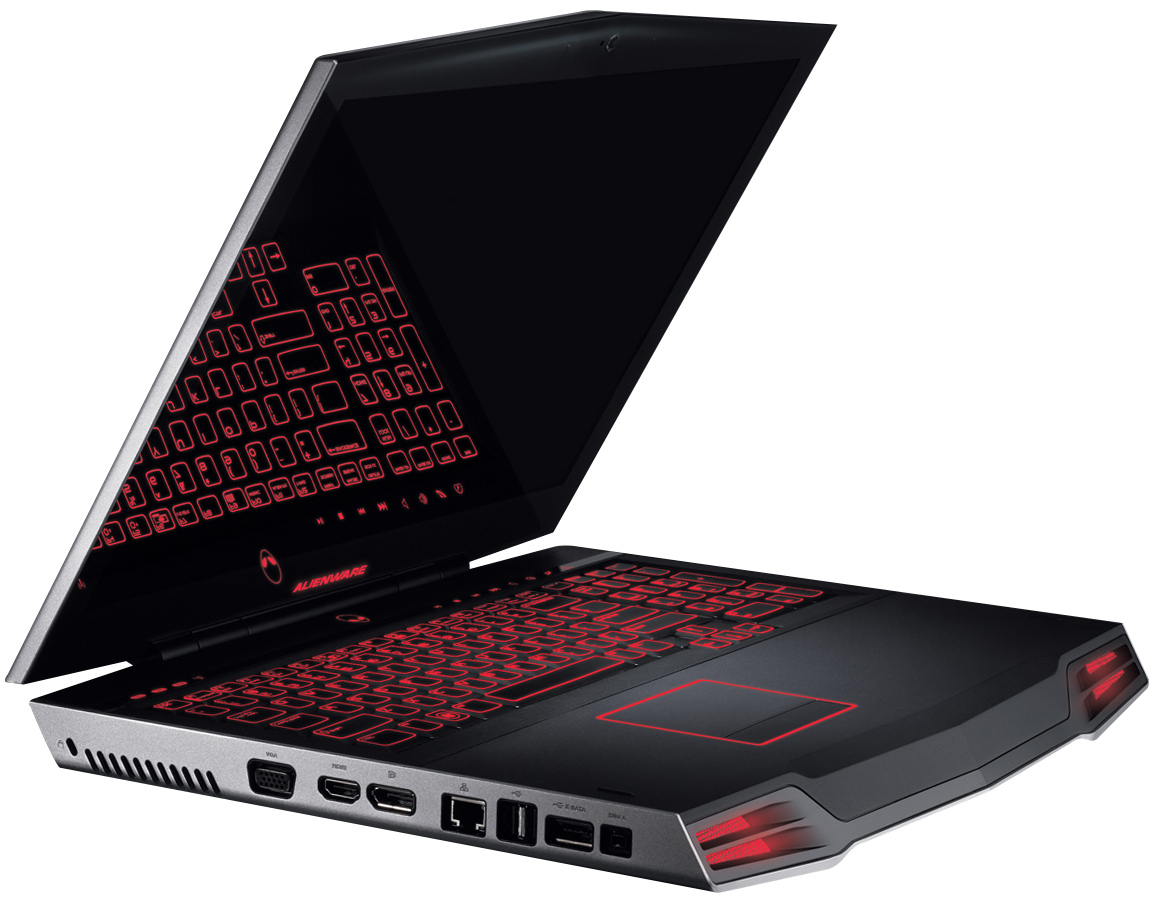
RAM chip
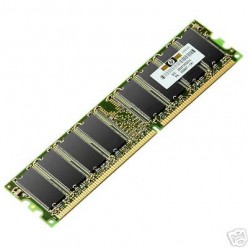
Cleaning of RAM chip
Here's a way to solve a problem related to computers. Sometimes,
a computer refuses to start and asks to insert a booting device to
boot. Sometimes this happens when the RAM chip doesn't work because it
may be just loosely fitted or covered with dust. Well, actually there is
no need to call in a computer
serviceman and ask him to repair it. Here's a way to solve that problem. Just follow these simple steps and you can save money spent on the RAM chip and time needed for a repairman to come and repair your computer. It can also help you learn to clean your RAM chip if it's dusty.
serviceman and ask him to repair it. Here's a way to solve that problem. Just follow these simple steps and you can save money spent on the RAM chip and time needed for a repairman to come and repair your computer. It can also help you learn to clean your RAM chip if it's dusty.
1. If there are any gadgets or devices that are connected to the
CPU like pen drives, USB data cables, etc., remove them. Switch off
your computer and remove the main power plug from its socket on the
wall.